


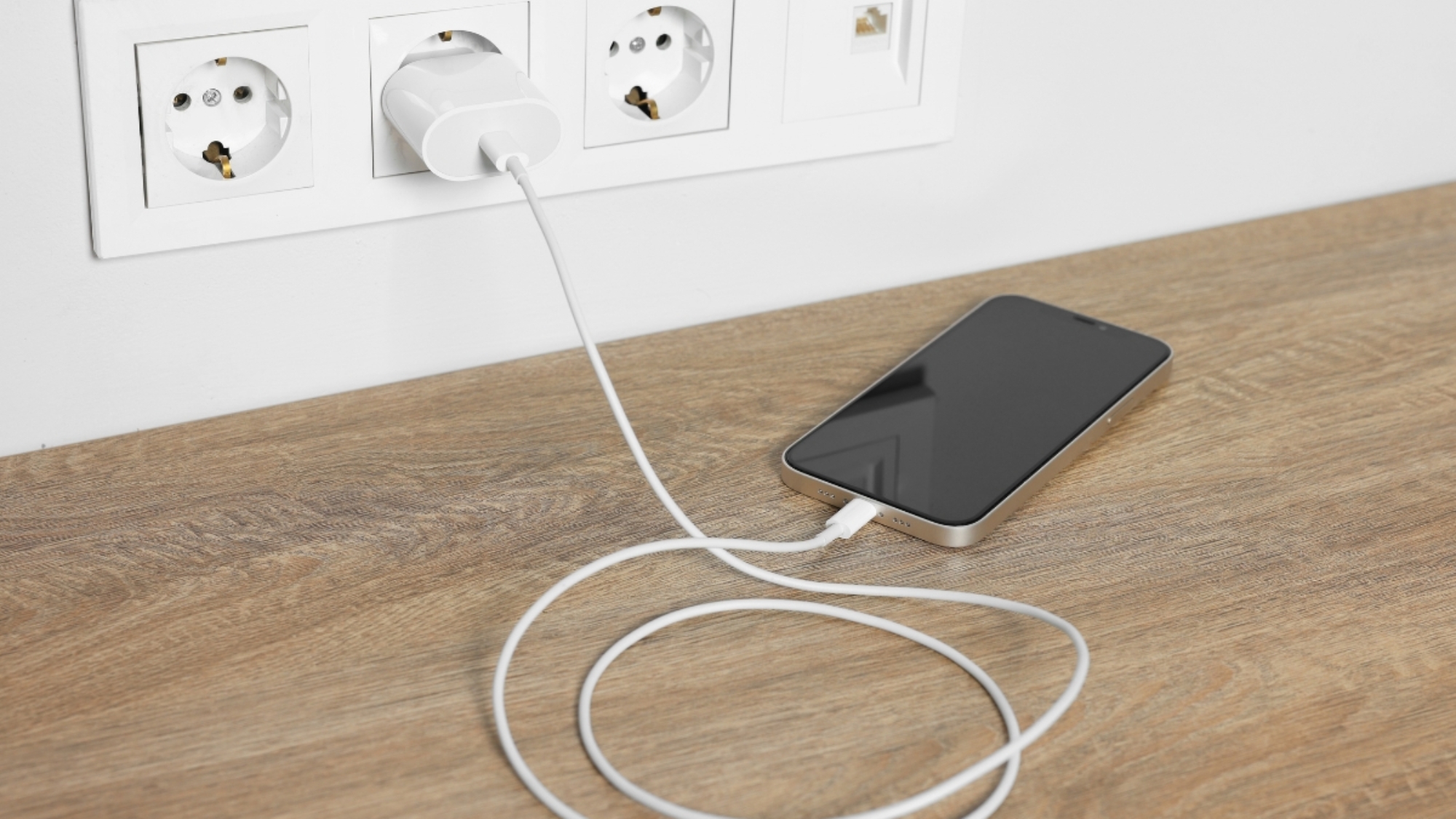
You plug in your phone, wait a while, and nothing happens. It’s a common problem, and when it happens, most people start searching for why is my phone not charging and hope to find a quick answer. Most of the time, the fix is simpler than it looks. In this guide, we’ll go over the most common reasons your phone won’t charge and the simple steps you can try to get it working again.
7 Common Reasons Your Phone Isn’t Charging
If your phone won’t charge, don’t worry right away. In many cases, the problem is something simple and easy to fix. Here are the most common reasons your phone isn’t charging:

1. Faulty or Damaged Cable
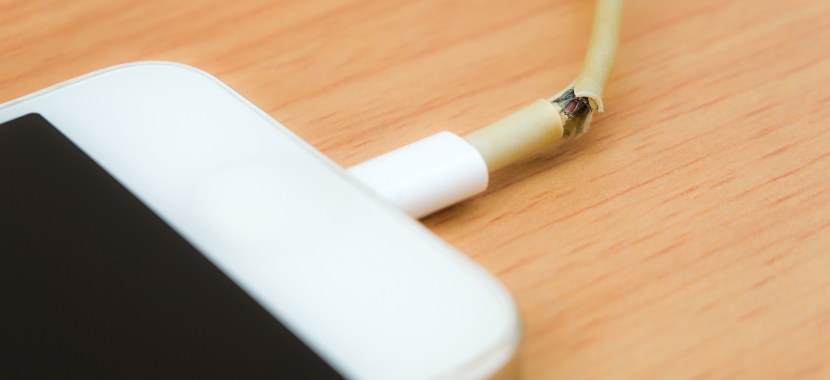
Charging cables go through a lot every day. They get bent, pulled, twisted, and stepped on, which can damage the wires inside over time. Even if the cable looks fine from the outside, it may still be the reason your phone isn’t charging.
2. Dirty or Damaged Charging Port
Dust, lint, and other small bits can build up inside your phone’s charging port over time. This could stop the cable from connecting correctly, which would stop your phone from charging. Bent pins are a different problem, usually caused by forcing a cable in at the wrong angle or using a cheap charger.

3. Weak or Faulty Wall Adapter
Sometimes the problem isn’t the cable at all. The wall adapter can stop working properly over time, even if the cable is still in good shape. Since it’s easy to overlook, many people troubleshoot everything else first before realizing the adapter was the real issue all along.

4. Software Glitch or Outdated Software
Sometimes the problem isn’t hardware at all, the issue is with your phone’s software. Many times a software bug can stop your phone from recognizing that it’s plugged in. This is also why your phone won’t turn on even though it’s connected to power. In that case, updating your phone’s software can fix these problems.

5. Weak Power Source
This is an easy thing to miss since both the phone and the wire seem to work fine, but sometimes the problem is the power source itself, not the phone or the cable. An old wall outlet or a weak USB port on a laptop may not provide enough power to charge your phone properly.

6. Battery Health or Degradation
After years of regular use and charging, the battery may not hold power as well as it used to. If your phone is a few years old and charges slowly or loses power quickly, the battery itself could be the problem.

7. Water or Liquid Exposure
Modern phones have moisture sensors that stop charging on purpose if they detect liquid inside the port. This is a safety feature, not a malfunction. Though it can look alarming if you don’t know what’s happening. Forcing a charge while this warning is active can cause real damage, so wait until the port is fully dry before plugging it in again.
Troubleshooting Specific Charging Problems
Now that you know the common causes, the next step is figuring out which one matches what your phone is actually doing. Here’s how to work through the most common problems:
Phone Plugged In But Not Charging
You plug your phone in, but it just won’t charge. There’s no charging symbol, no sound, and nothing to show that the phone is getting power. This is a classic case of a phone charger plugged in but not charging, and the fix usually starts with the basics. Try another charging cable, plug the charger into a different outlet, and take a look at the charging port to make sure there’s no dust or dirt stuck inside.
Phone Says “Charging” But Isn’t
The charging icon appears but your battery percentage never actually goes up. This usually means your phone is receiving a small trickle of power, but not enough to charge the battery properly. A weak adapter or a damaged cable is often the reason why your phone is not charging when plugged in but says it’s charging.
Phone Won’t Charge at 0 Percent
A phone that’s completely drained needs a few minutes of charging before any icon or response shows up at all. That’s pretty normal and doesn’t always mean there’s a problem. If you don’t see anything after 10 to 15 minutes, then it’s worth troubleshooting further.
Phone Won’t Charge Even After Cleaning the Port
If you cleaned the charging port but your phone still won’t charge, that means the problem isn’t dirt or lint. There may be something wrong with the port itself, such as bent pins, corrosion, or a loose connection inside the phone.
When to Bring Your Phone to a Repair Shop
Most charging problems can be fixed with the steps above, but sometimes it’s better to stop troubleshooting and get the phone checked by a professional. For example, if the charging port feels loose, the phone only charges when the cable is held at a certain angle, or the phone still won’t respond after being on a working charger for an hour, there may be damage inside the phone.
If you’re in West Hialeah and still stuck after trying everything, our cell phone repair team at Techy West Hialeah can diagnose the real problem and get your phone working again.
Add a Comment