


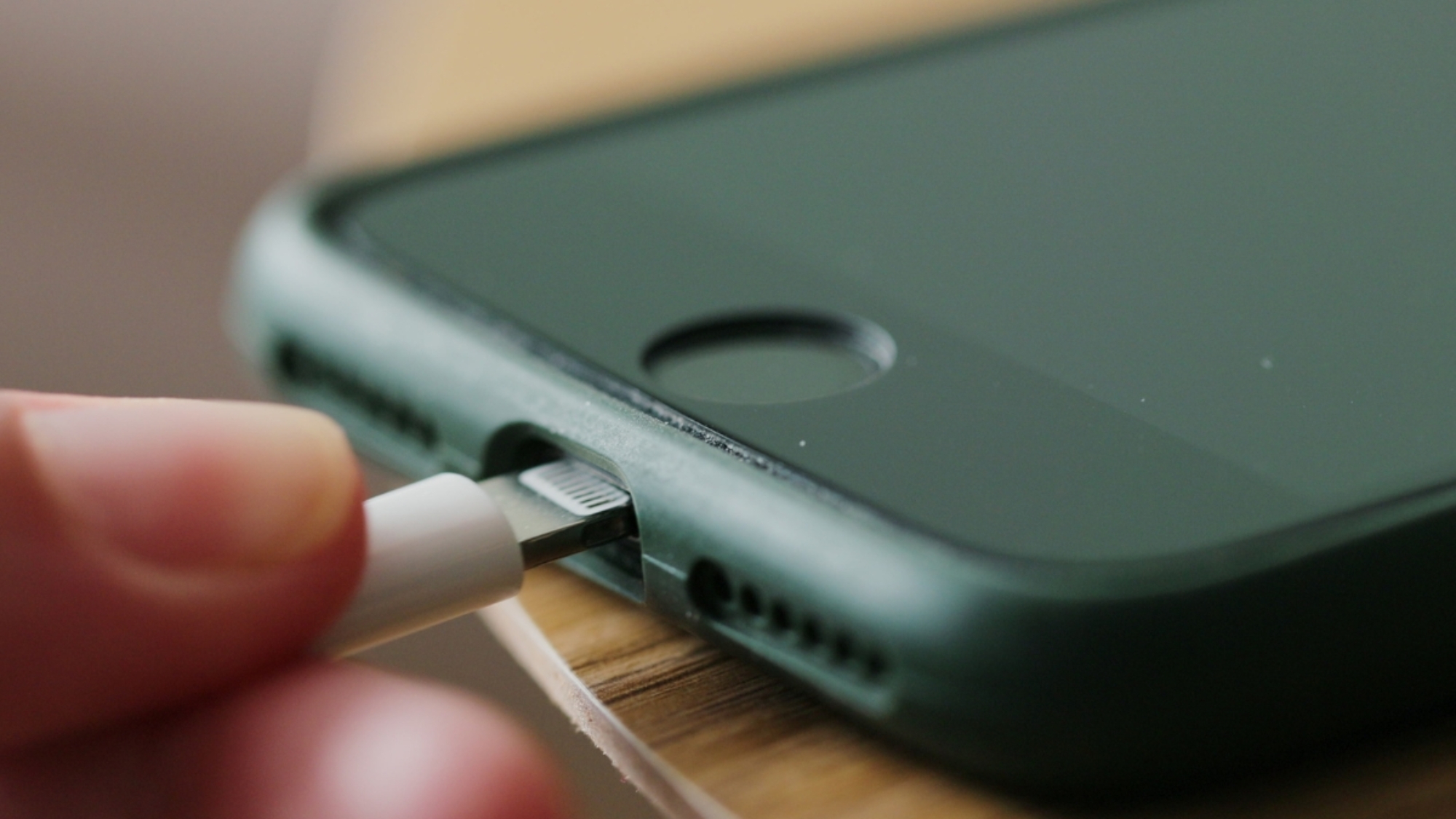
Your phone won’t charge, and you’re not sure if it’s the cable, the outlet, or something worse. That “something worse” is often the charging port itself, which is probably why you’re looking for signs of damage right now. The tricky thing is that it doesn’t usually break down all at once, so it’s easy to miss the early signs until the damage is larger. Below, you’ll find what to look for, what usually causes the damage, and what to do about it.
What Is a Charging Port?
A charging port is the small connector on your phone where the charging cable plugs in. Most phones today use USB-C, the universal standard found across Android devices. Earlier iPhones used Apple’s Lightning connector, but since the iPhone 15, Apple has switched to USB-C too.
Either way, the port does more than just deliver power. It also handles data transfer, which is why a damaged port can affect both charging and your phone’s connection to a computer.
6 Signs of a Damaged Charging Port to Watch For
Not every charging problem is a bad cable or a dead battery. Sometimes the port itself is the real issue, and recognizing the common charging port issues early can save you from a bigger repair down the road. Here’s what to look for:
1. Visible Physical Damage
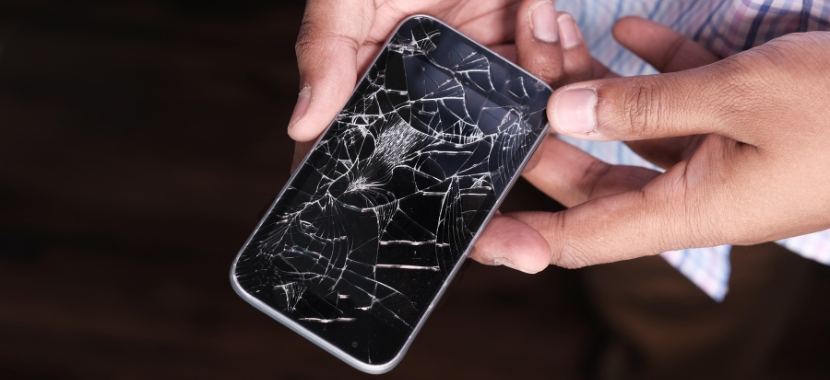
Use a flashlight and inspect the charging port closely. Here’s what you’re looking for: bent pins, cracks in the housing, or rust and corrosion, as these are some of the clearest common charging port issues
2. Loose or Wobbly Connection
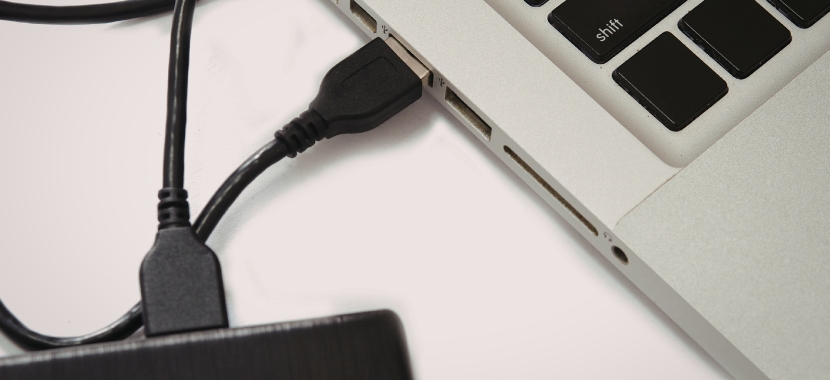
Plug your cable in and gently wiggle it side to side. If it feels loose, shifts around, or doesn’t sit snug like it used to, that could mean the port’s internal connector is worn out. That’s a real contrast from a healthy port, which holds the cable firmly in place without any give.
3. Charging Only at a Certain Angle
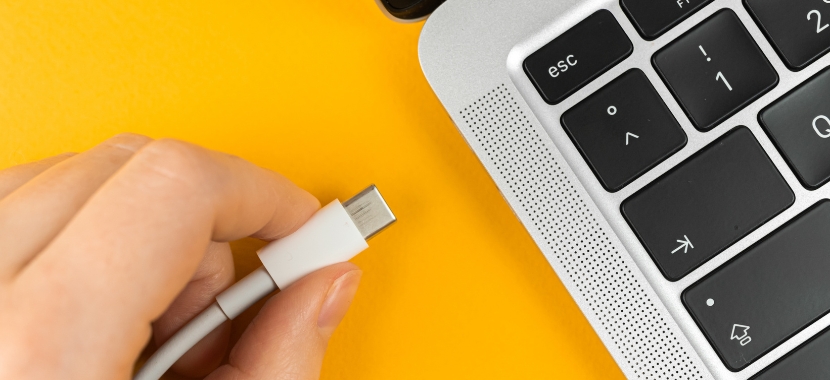
If your phone only charges when the cable is held at a certain angle, the charging port may be worn or damaged. This usually happens when the internal pins no longer make a steady connection with the charger. At first, adjusting the cable may seem like an easy fix, but the problem often gets worse over time.
4. Slow or Inconsistent Charging
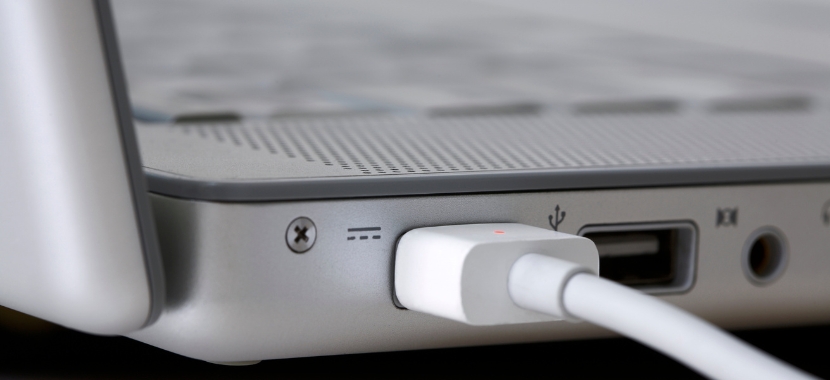
If your phone takes much longer to charge than it used to, or the battery percentage goes up unevenly, a damaged port could be the reason. Dirt, corrosion, or worn contacts can all reduce how much power actually gets through, even if the connection feels normal when you plug in. Over time, this kind of gradual power loss often gets mistaken for a battery problem when the port is really the culprit
5. Overheating While Charging
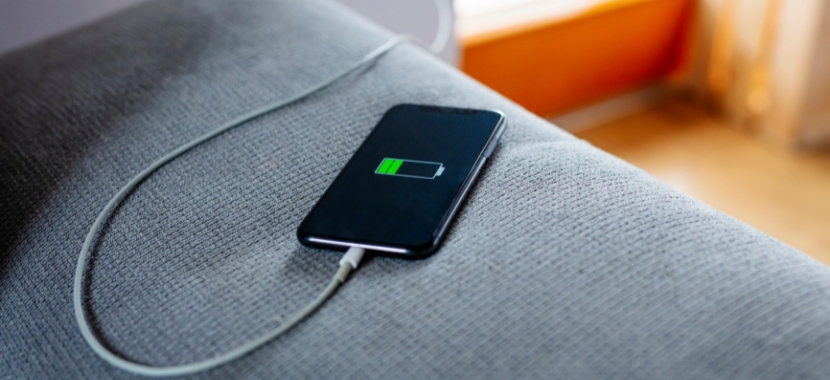
If your phone gets unusually warm while charging, especially near the charging port, it could be a sign of a poor or damaged connection. When the port cannot make a clean connection, extra electrical resistance can create heat. If this happens often, it is a good idea to stop using the charger and have the port checked.

6. Device Not Recognized by a Computer
If you plug your phone into a computer and nothing happens- meaning no pop-up, no charging indicator, no file access- that’s a real red flag. Since the same port handles both power and data, damaged or worn pins that block data transfer often mean charging is affected too, even if it hasn’t failed yet.
What Causes a Damaged Charging Port
Knowing the signs is only half the picture. It’s also important to know what causes the problem, so you can avoid doing it again. Here’s what usually leads to a damaged port in the first place:
Debris and Lint Buildup
Your phone spends a lot of time in pockets and bags, where dust, lint, and small bits of dirt can easily get into the charging port. Over time, this debris can build up and block the charger from making a proper connection. Plugging the charger in again and again may also push the dirt deeper, which can put pressure on the charging pins.
Cheap Cables and Mechanical Wear
Cheap or poorly made charging cables may not fit the port properly. If the connector is too loose, too tight, or slightly off in size, it can put extra pressure on the charging port every time you plug it in. Over time, this repeated wear can damage the internal contacts and make the port feel loose or stop charging properly.
Moisture and Corrosion
Your phone doesn’t need to be dropped in water for the charging port to get damaged. Moisture from rain, a steamy bathroom, or even a sweaty gym bag can get inside the port. Over time, that moisture can cause the metal charging pins to corrode. Once corrosion starts, it can weaken the connection and lead to charging problems, even after the port dries out.
Drops and Physical Impact
A hard drop doesn’t just crack screens. The impact can bend the pins inside the port or knock the connector slightly out of alignment. The phone may look fine on the outside, but you might notice the damage later when the charging cable feels loose, does not fit properly, or the phone stops charging as it should.
What to Do if Your Charger Port is Damaged
Once you’ve spotted one of these signs, don’t just keep charging and hope it fixes itself. A few quick checks can tell you how serious the problem really is.
- Try a different cable and outlet: If your phone charges normally, the cable, charger, or outlet was probably the problem, not the port.
- Inspect the port with a flashlight: Turn off the phone first, then look for lint, bent pins, or corrosion.
- Clean gently if it’s just lint: Use a soft, dry brush and avoid anything sharp or metal, as that can damage the pins inside the port.
- Stop and get professional help if it’s more than dirt: Bent pins, corrosion, or damage you can’t safely clean means it’s safer to have the phone charging port checked by a repair technician.
Get Your Charging Port Fixed in West Hialeah
Now you know what your charging port actually does, the signs it’s damaged, what usually causes them, and the first steps you can take on your own. If those quick checks don’t solve it, that’s your cue to bring in a professional instead of pushing your luck.
Techy West Hialeah repairs damaged charging ports for iPhone, Samsung, and Android devices. So whenever your charging port feels loose or damaged, just stop by or reach out today to get your port checked and your phone charging as it should.
Frequently Asked Questions
What are the signs of a damaged charging port on an iPhone?
iPhones often show trouble first through lint and debris buildup, since the Lightning port sits low and collects pocket dust easily. Watch for a cable that only connects at certain angles, a loose feel when the cable is plugged in, or charging that starts and stops on its own. Our full guide on fixing an iPhone charging port covers this in more depth.
How to know if my charging port is damaged on a Samsung?
There are some of the common signs of a damaged charging port on a Samsung phone. Those are:
- The charging cable feels loose or wobbly when plugged in.
- Your phone charges slowly or keeps disconnecting while charging.
- The phone only charges when you hold the cable at a certain angle.
- Samsung and other USB-C phones can develop wear around the charging port over time because of daily plugging and unplugging.
Can a damaged charging port be repaired, or does it need replacing?
It depends on the damage. Debris and minor corrosion can sometimes be cleaned out safely, but bent pins, cracked housing, or worn internal contacts usually mean the port itself needs to be replaced.
How much does it cost to fix a damaged charging port?
Charging port repair typically costs $40 to $200. It depends on the phone model and how the port is built. Simpler, modular ports tend to cost less than ports soldered directly to the motherboard. For a full breakdown by device, check out our charging port repair cost guide.
Can a damaged charging port hurt my phone’s battery?
Yes, over time. A bad connection creates resistance, which can generate excess heat during charging. Repeated heat exposure can shorten your battery’s lifespan if the port issue goes unaddressed.
How do I know if my charging port is water damaged?
Some phones show a direct warning, like Apple’s “Liquid Detected” alert, when moisture is sensed in the port. Without that warning, look for visible dampness, a greenish or discolored residue around the pins, or charging that suddenly stops working after the phone got wet.
Add a Comment